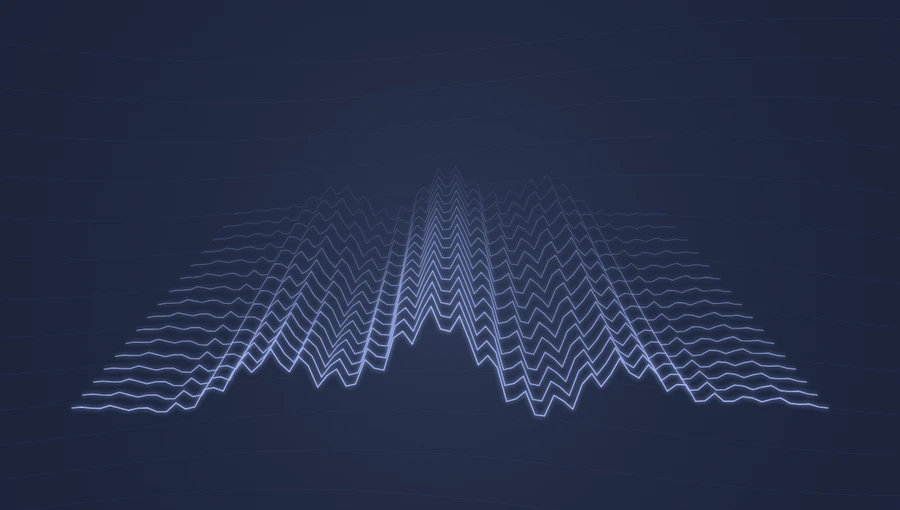
Spectrum → ribbon contours
Different frequency regions lift different parts of each ribbon. Midrange energy increases the size of the flowing bends.
Display frequency and energy changes as layered animated waves. Adjust the colors, glow, and sensitivity in the preview.
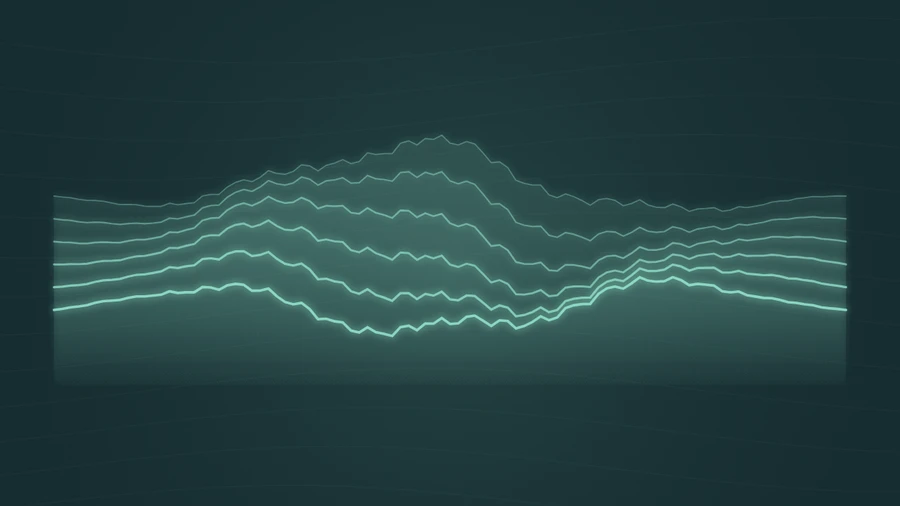
Play the demo, then change the settings. Your choices carry into the studio.
Use this templateAurora Waves layers six flowing contours across the frame. The ribbons drift along the audio timeline, while frequency energy bends their shape and midrange energy increases the motion. Translucent fills give the layers depth without covering the whole background.
Different frequency regions lift different parts of each ribbon. Midrange energy increases the size of the flowing bends.
The filled areas become a little stronger with bass energy, while the contour lines stay visible.
Flowing lines suit gradual changes and sustained textures.
A gentle, layered visual can support a melody without dominating it.
Choose an accent from your artwork and keep the background simple.
Choose “Use this template” above to open the studio with your preview settings. Add your own audio in the Audio panel, then choose the start and end of your clip.
A widescreen frame gives the flowing contours a long path to follow. Start at 1.0× for a restrained motion with visible separation between layers. Add artwork and a background in Design, then enter a title in Text.
Check the color contrast and movement during a strong passage. Export a 720p or 1080p video with your audio, or save a still PNG. Available video formats depend on your browser.
If the ribbons become too crowded, reduce sensitivity. Their overlapping shapes are easier to read when the movement has room.
Mint, lilac, and blue create a gentle light effect. A warm coral accent gives the same motion a different mood.
Preview, customization, and export details.
No. The ribbons are drawn live and change in response to the audio. The slow drift uses playback time, so it pauses with the audio.
Yes, especially for a calm visual background. For a direct view of syllables and pauses, compare it with Waveform or Oscilloscope.
Yes. This template, the editing controls, and supported exports are free, with no watermark. You need the rights to any audio or artwork you add to your project.
Open a template to play its demo and change its settings.