Audio visualizer guides
Step-by-step instructions for creating music videos, waveform images, and podcast clips.
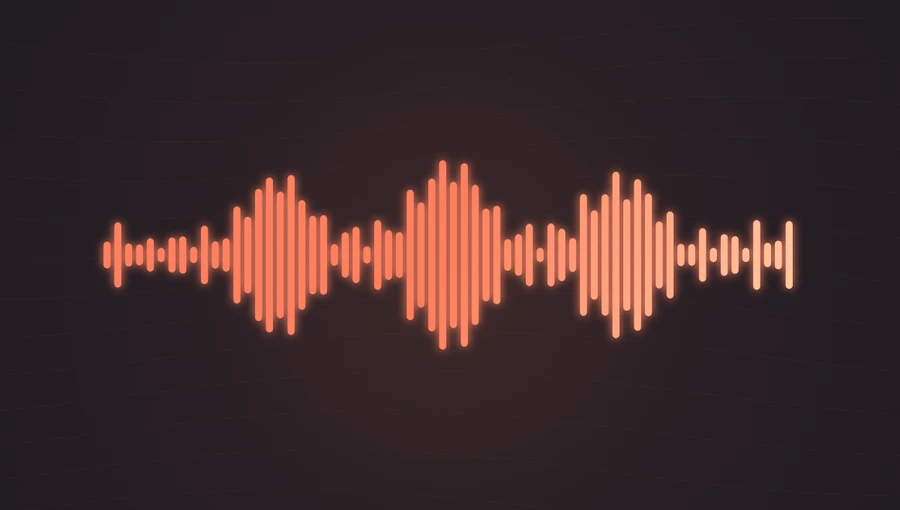
How to make a music visualizer for YouTube ↗
Build a widescreen video from a music track, cover art, and an animated spectrum.
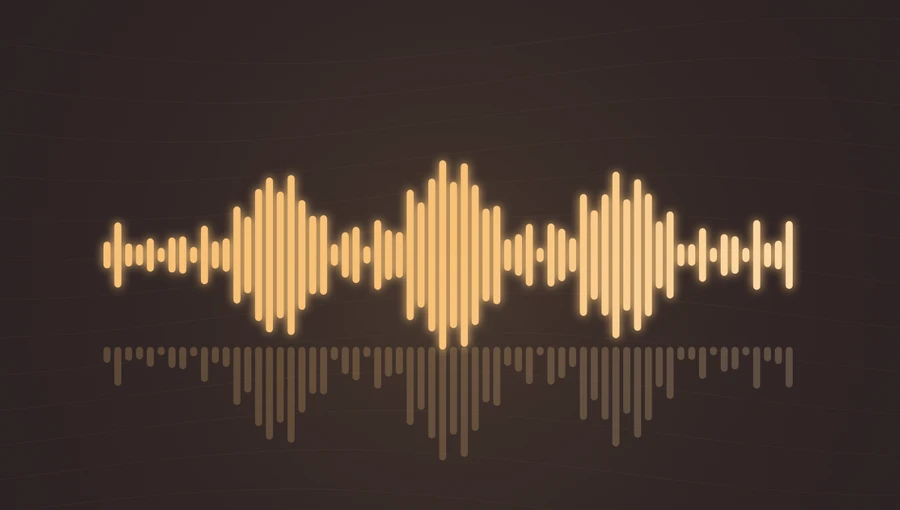
How to turn an MP3 into a video ↗
Add a visual layer to an audio file and download a video that includes the sound.
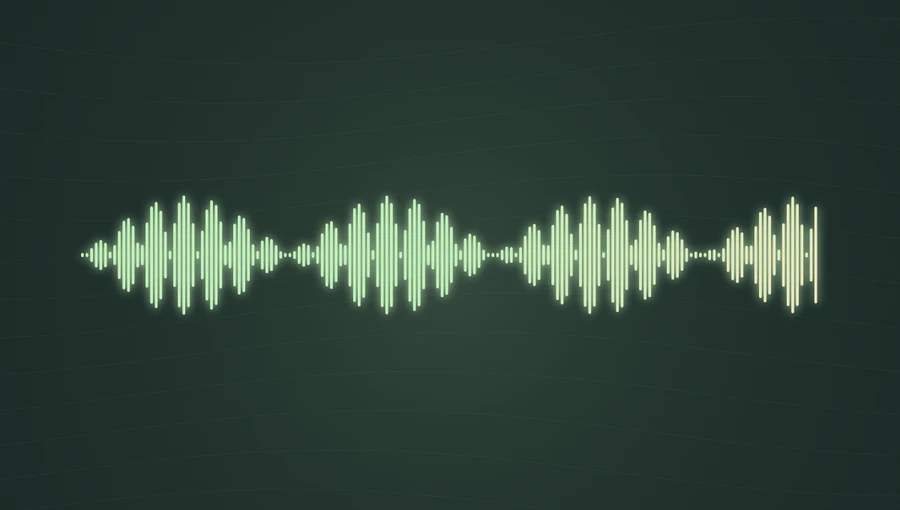
How to create a transparent audio waveform image ↗
Turn a whole recording into a clean PNG or SVG for an album graphic, a podcast cover, or a video overlay.
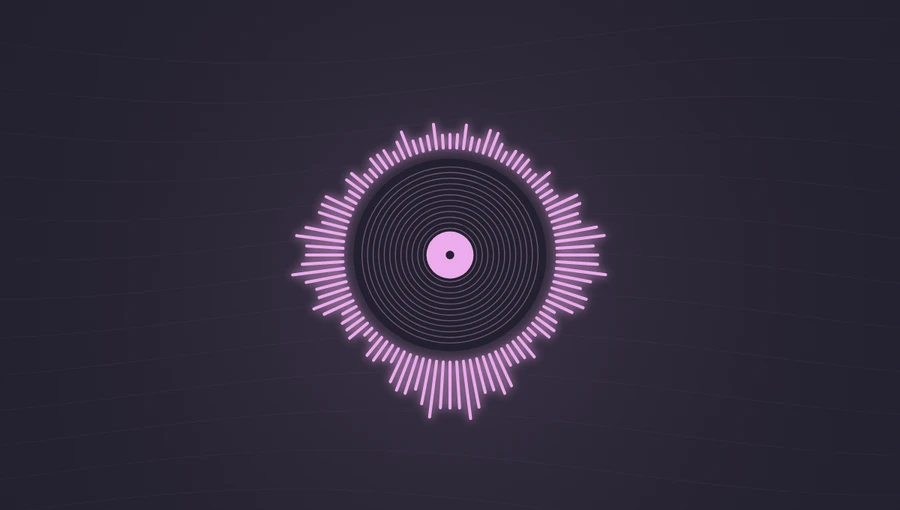
How to make a circular audio spectrum ↗
Frame your cover art with a frequency-driven circular visualizer.
Audio waveform vs. spectrum: what is the difference? ↗
One shows how a signal changes over time. The other shows its frequency content.
How to create a podcast audiogram ↗
Give a spoken audio clip a portrait or square video with show art and an animated waveform.