01
Upload audio
Drop in a music track or a voice recording. Your file stays on your device.
Create videos with animated waveforms and spectrums. Add text and artwork, choose your colors, and export with your audio.

Preview waveforms, frequency bars, rings, and other animated styles. Open a template to adjust its colors and layout.
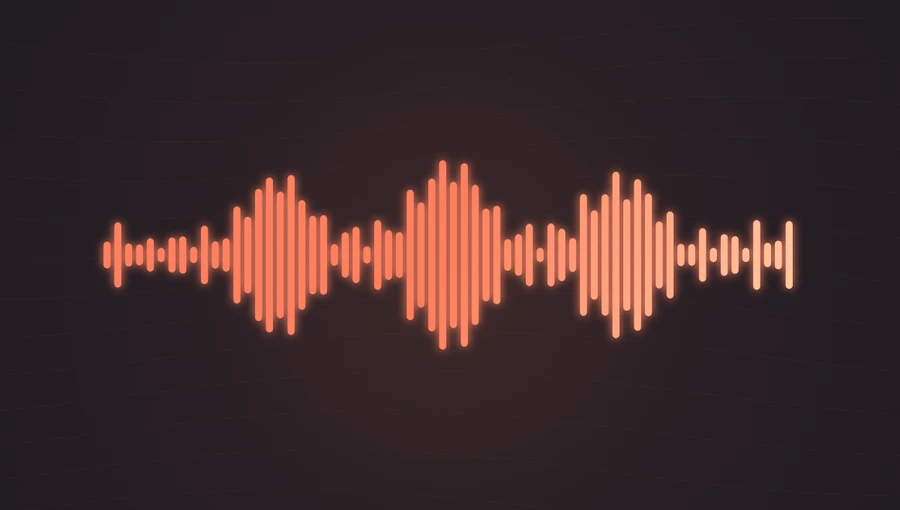
Vertical bars showing the energy in each frequency band.
Music Preview template →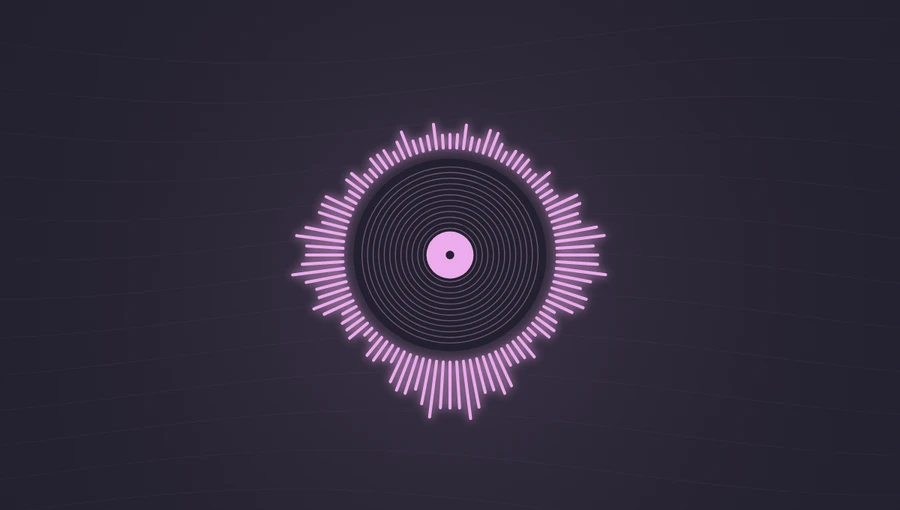
Radial frequency bars around your cover artwork.
Music Preview template →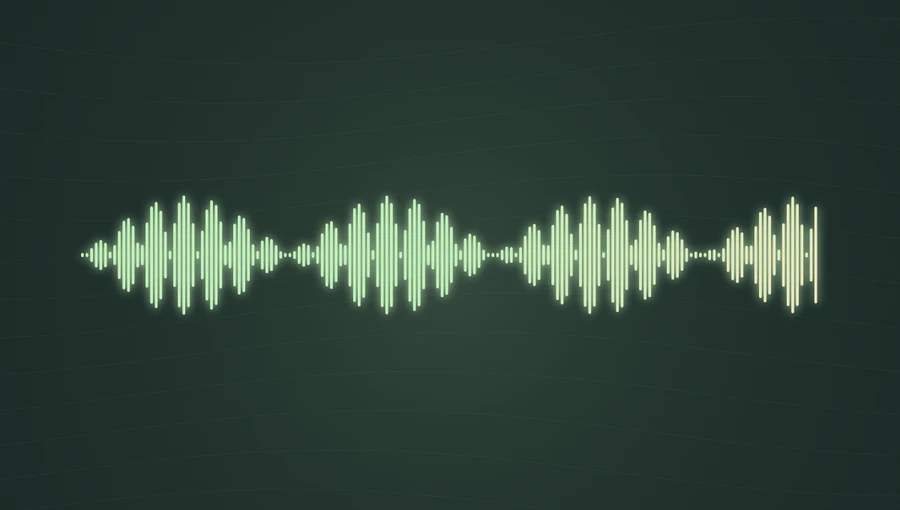
An amplitude waveform that updates with your audio.
Podcast Preview template →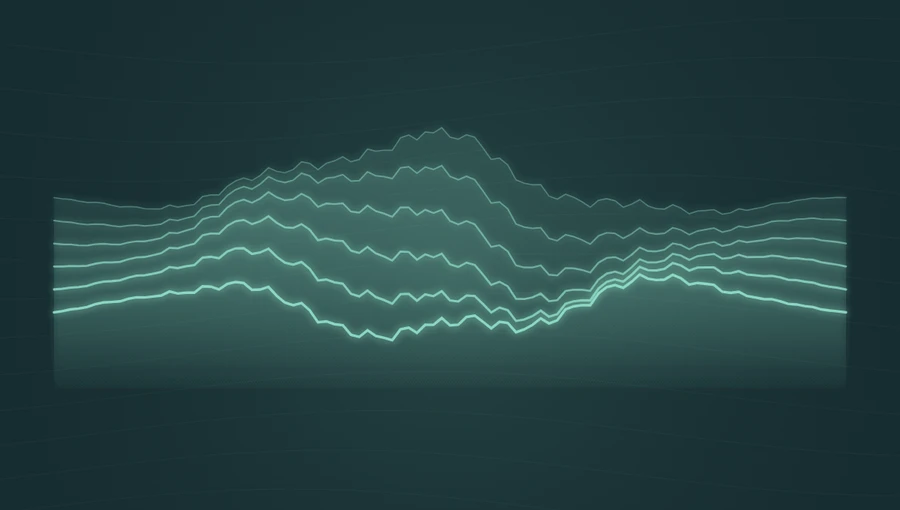
Layered waves shaped by frequency and energy changes.
Ambient Preview template →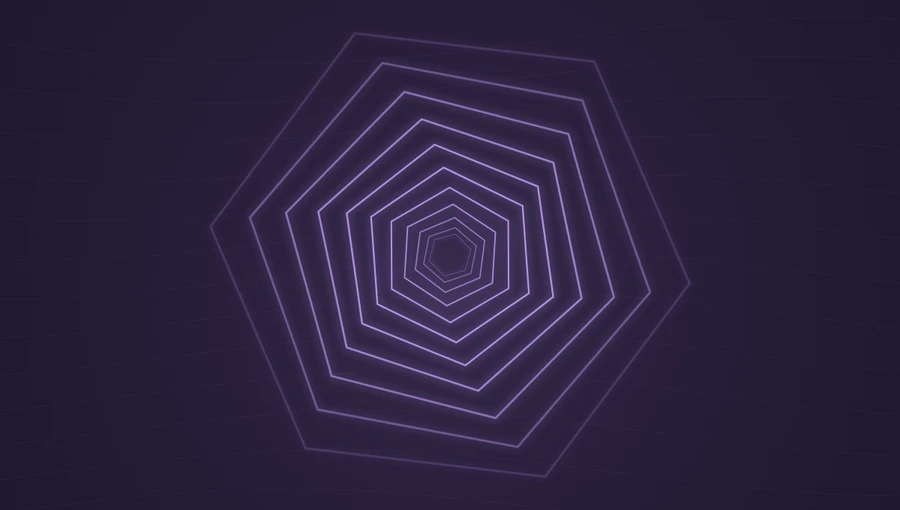
An animated geometric tunnel that reacts to bass.
Music Preview template →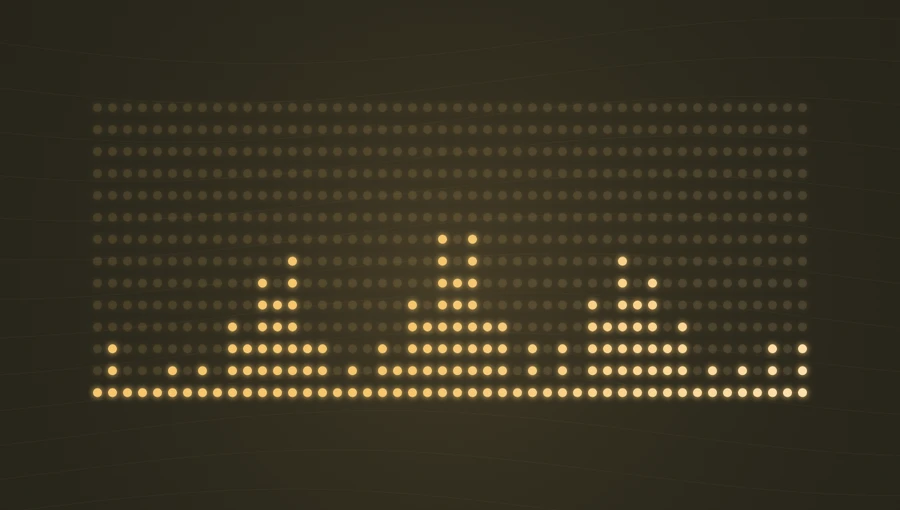
A dot-grid spectrum that shows frequency levels.
Music Preview template →Create music videos, waveform images, or podcast clips.
Create a video with an animated spectrum, cover art, and your audio.
Make a music videoGenerate a waveform from an audio file. Export PNG or SVG with an optional transparent background.
Create a waveformCombine an audio clip, podcast artwork, and an episode title in a video.
Create a podcast clipDrop in a music track or a voice recording. Your file stays on your device.
Select a style, change the visualizer and background colors, then add artwork and text.
Download a video with sound, a still PNG, or a waveform SVG. Exports have no watermark.

Audio, images, and exports are processed in your browser. Your media files are not sent to our servers.
Learn how to create videos, export transparent waveforms, and make podcast clips.
Yes. All twelve visualizer styles, the editor, and the supported video and image exports are free. No account is required, and exports do not include a watermark.
No. Audio is read and processed in your browser. When you choose a file on the homepage, it is temporarily passed to the studio through local browser storage and then removed from that storage. Audio and image files are never sent to an AudioVizFree server.
MP3 and WAV are good starting points. M4A, AAC, OGG and FLAC support depends on your browser. Files can be up to 200 MB. Complete waveform images require audio up to 5 minutes and 25 MB; longer recordings can still be previewed and trimmed for video.
Yes. Video exports include your selected audio clip. The editor shows the WebM and MP4 formats supported by your browser. Recording takes the length of your clip, up to 5 minutes. Keep the tab visible during export.
Yes. Use the Waveform Generator to download a transparent PNG or SVG. Transparent video is not supported. PNG and SVG exports do not contain sound.
You may use the generated visualizations in personal and commercial projects. You are responsible for having the rights to any music, cover art, images, or other content you add.
Upload audio, select a template, and export a video with sound.