Audio samples → bar height
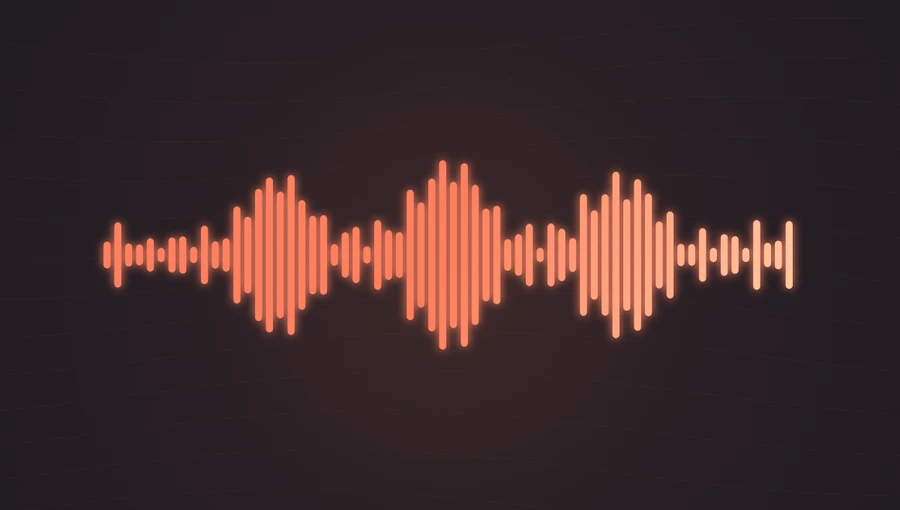
The bars reflect the amplitude of a short window of the playing sound. They change with syllables, pauses, and the texture of the recording.
Display the changing amplitude of music or speech as a waveform. Add text and artwork for video, or export a waveform image.
Play the demo, then change the settings. Your choices carry into the studio.
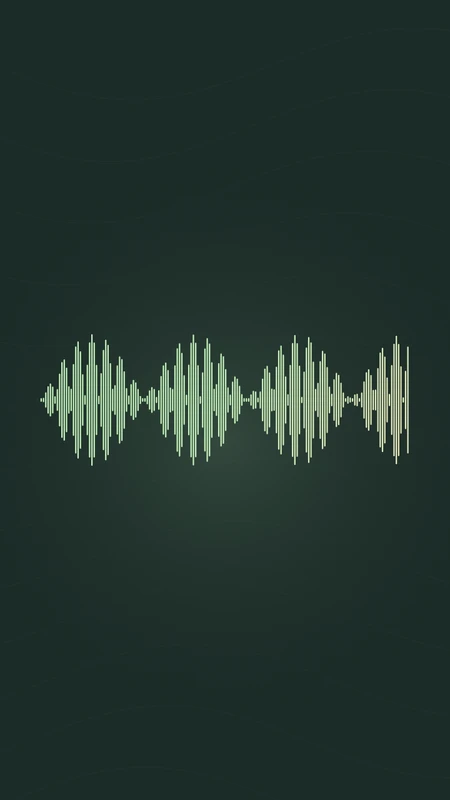
Use this templateWaveform turns the currently playing audio samples into a line of rounded bars. It is a compact way to make speech visibly active without filling the frame with effects. In the studio, add show artwork, an episode title, and a short subtitle to create a podcast clip.
The bars reflect the amplitude of a short window of the playing sound. They change with syllables, pauses, and the texture of the recording.
This preview shows a moving waveform. The separate Waveform Generator can instead draw the shape of an entire short recording as a PNG or SVG.
Pair a short spoken passage with an episode title and show artwork.
Show the cadence of a narration or spoken introduction.
Keep the focus on a title, quote, or artwork with a restrained audio element.
Choose “Use this template” above to open the studio with your preview settings. Add your own audio in the Audio panel, then choose the start and end of your clip.
For a voice clip, start with a portrait frame and a crisp waveform. Slightly higher sensitivity can make quieter speech easier to see. Add artwork and a background in Design, then enter a title in Text.
Check the color contrast and movement during a strong passage. Export a 720p or 1080p video with your audio, or download a whole-track waveform PNG without artwork or text. Available video formats depend on your browser.
Preview the quieter part of the recording as well as the loudest word. Increase sensitivity only until both remain readable.
Use a compact episode title and place the show name in the subtitle. Automatic speech captions are not included.
Preview, customization, and export details.
Yes, through the Waveform Generator. Whole-track PNG and SVG creation supports audio up to 5 minutes and 25 MB. In the studio, Waveform PNG and SVG exports show the complete recording without artwork or text. Choose video to include animation, titles, and artwork.
No. Titles and subtitles are text you enter yourself. They do not create timed captions or a transcript.
Yes. This template, the editing controls, and supported exports are free, with no watermark. You need the rights to any audio or artwork you add to your project.
Open a template to play its demo and change its settings.