Audio samples → line shape
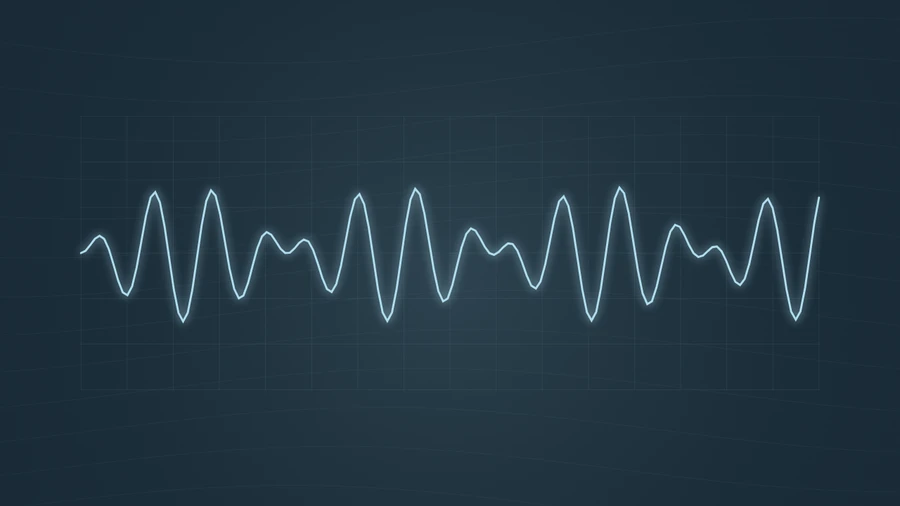
The trace follows a short window of the playing signal, with positive and negative values on either side of the center line.
Display the audio waveform as a continuous line. Use sensitivity to adjust its visible amplitude.
Play the demo, then change the settings. Your choices carry into the studio.
Use this templateOscilloscope connects the current audio samples into one continuous trace over a faint grid. The line responds to the signal’s positive and negative amplitude, creating a more immediate, technical look than a bar-based waveform. It stays simple enough to pair with a podcast title or cover image.
The trace follows a short window of the playing signal, with positive and negative values on either side of the center line.
Sensitivity expands or contracts the line vertically. It does not amplify the recording or change the exported audio level.
Syllables and pauses visibly change the trace without a dense field of effects.
Compare the visual texture of different tones, synth patches, and recordings.
Use a clean signal trace when artwork and a title should remain prominent.
Choose “Use this template” above to open the studio with your preview settings. Add your own audio in the Audio panel, then choose the start and end of your clip.
Start with a wide frame so the trace has space. A modest sensitivity boost helps quieter recordings produce a visible line. Add artwork and a background in Design, then enter a title in Text.
Check the color contrast and movement during a strong passage. Export a 720p or 1080p video with your audio, or save a still PNG. Available video formats depend on your browser.
If the line spends too much time at its top and bottom limits, lower sensitivity. This preserves the detail between peaks.
This is a live trace of a short audio window. For a single image of an entire recording, open the Waveform Generator instead.
Preview, customization, and export details.
No. It is a visual template based on browser audio analysis. The decorative grid does not provide calibrated time or voltage measurements.
Oscilloscope draws a continuous signed signal. Waveform uses rounded bars based on sample magnitude, producing a different visual treatment of the audio.
Yes. This template, the editing controls, and supported exports are free, with no watermark. You need the rights to any audio or artwork you add to your project.
Open a template to play its demo and change its settings.