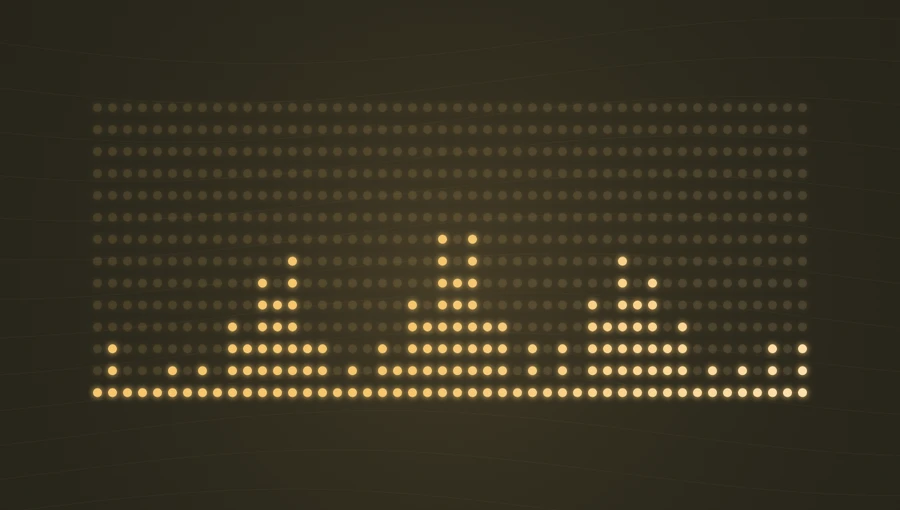
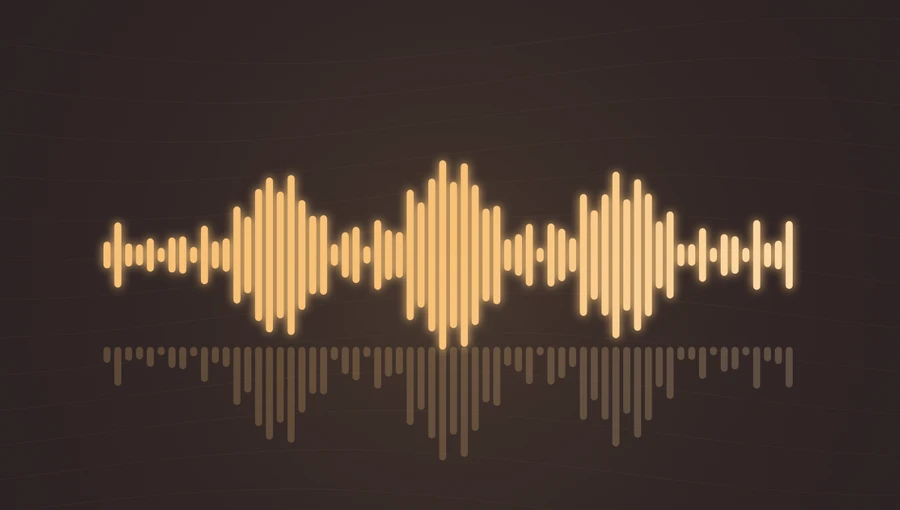
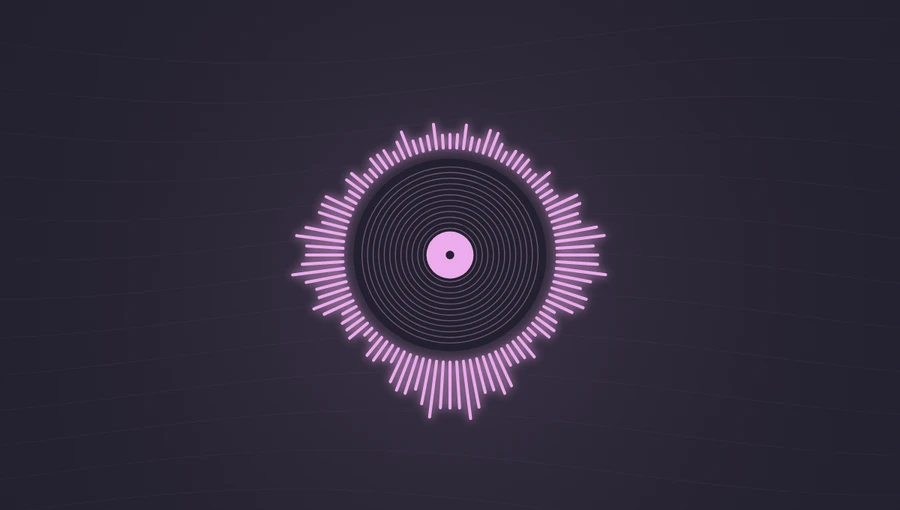
Frequency → height
Each bar follows a different region of the spectrum, arranged from low to high. Sensitivity changes the visual height without changing audio volume.
Display frequency levels as vertical bars. Add your audio, adjust the sensitivity, and export a spectrum video.
Play the demo, then change the settings. Your choices carry into the studio.
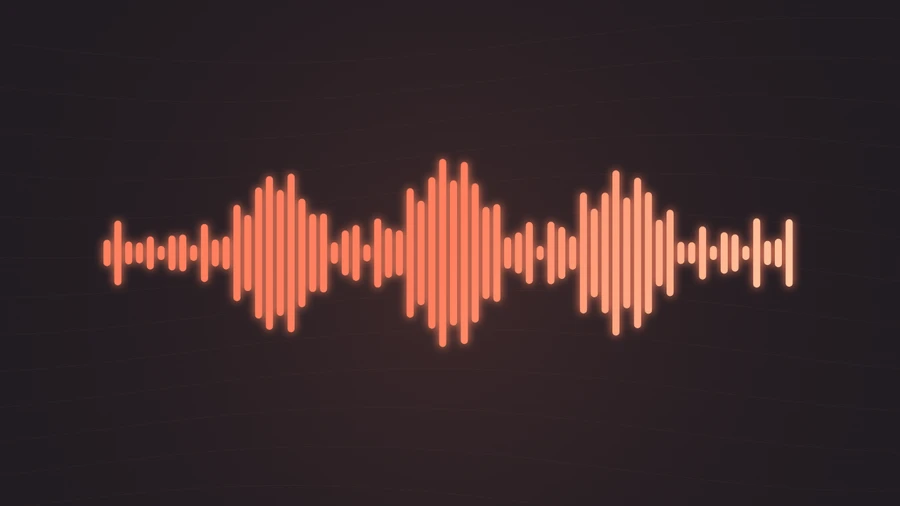
Use this templateClassic Bars spreads the frequency content of your audio across 64 vertical bars. Low frequencies sit on the left and high frequencies on the right, so a bass note and a bright hi-hat create movement in different parts of the frame. Its open layout leaves room for artwork and a track title.
Each bar follows a different region of the spectrum, arranged from low to high. Sensitivity changes the visual height without changing audio volume.
When glow is enabled, midrange energy changes the softness of the light around the bars.
A clear visual companion for singles, instrumental tracks, and album previews.
Bass, percussion, and melody remain easy to distinguish across the width of the picture.
The horizontal composition fills a widescreen frame while preserving space for a title.
Choose “Use this template” above to open the studio with your preview settings. Add your own audio in the Audio panel, then choose the start and end of your clip.
Start in landscape with moderate sensitivity. This gives loud moments room to rise without holding every bar at its maximum. Add artwork and a background in Design, then enter a title in Text.
Check the color contrast and movement during a strong passage. Export a 720p or 1080p video with your audio, or save a still PNG. Available video formats depend on your browser.
Preview your chorus or drop. If most bars reach the same height, lower sensitivity until their individual movement returns.
Use a dark background and a lighter accent color. Put a busy photograph behind a simpler spectrum only if the bars remain easy to see.
Preview, customization, and export details.
They show relative frequency energy, not calibrated sound levels. Use the Spectrum Analyzer for a closer view of the low, mid, and high bands.
Yes. Open this template in the studio and choose an audio file. The bars respond to your file, and a video export includes its sound.
Yes. This template, the editing controls, and supported exports are free, with no watermark. You need the rights to any audio or artwork you add to your project.
Open a template to play its demo and change its settings.