Frequency → main spectrum
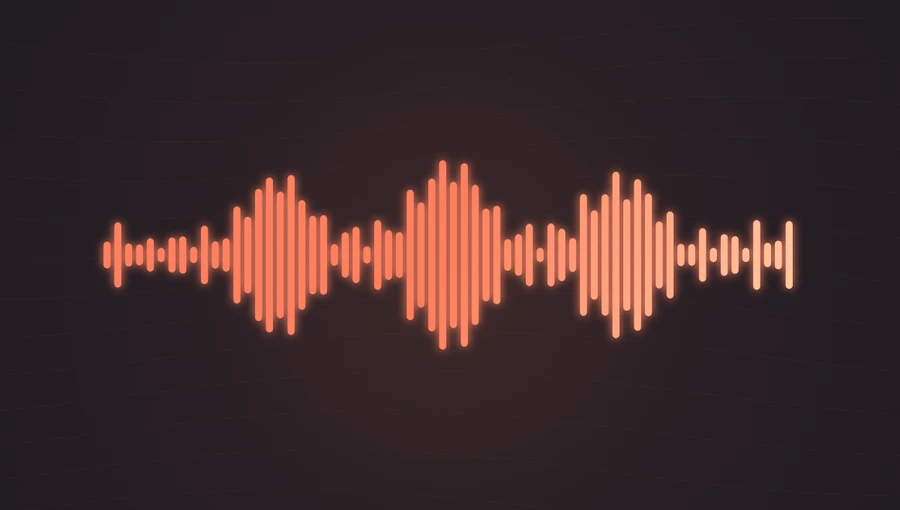
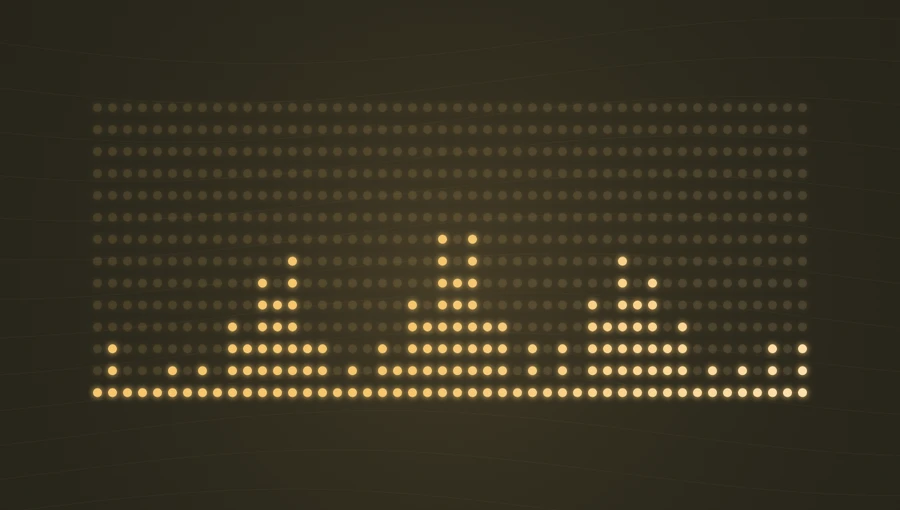
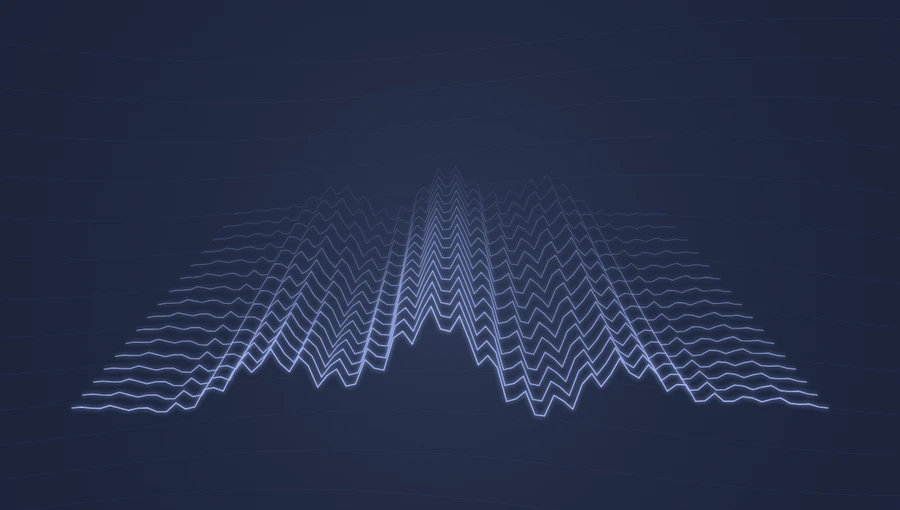
The main bars follow low-to-high frequency energy across the picture.
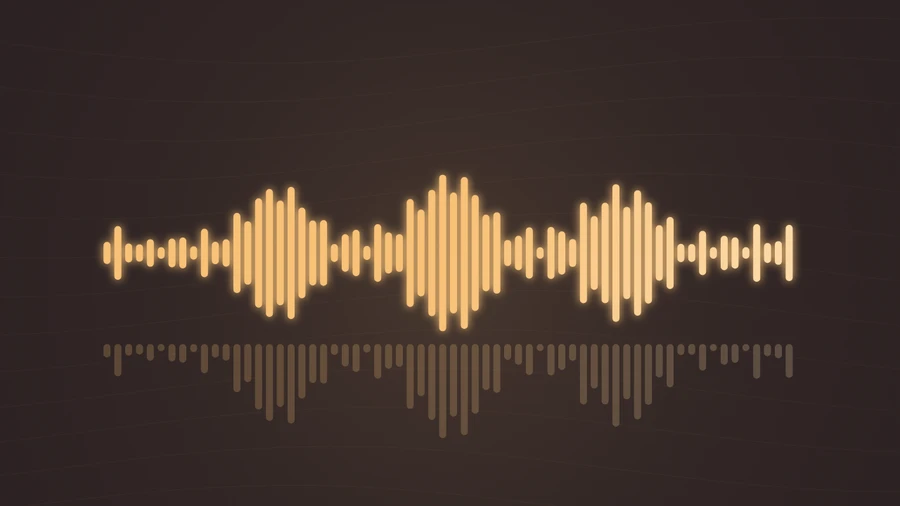
Display a frequency spectrum with a mirrored reflection below the main bars. Both layers respond to the same audio.
Play the demo, then change the settings. Your choices carry into the studio.
Use this templateMirrored Bars combines the familiar frequency spectrum with a lower, translucent reflection. Both layers follow the same audio, giving the picture a grounded, stage-like appearance. It works well when you want more visual weight than a single spectrum while keeping the structure easy to read.
The main bars follow low-to-high frequency energy across the picture.
A shorter, lower-opacity copy follows the same movement below. It is a visual reflection, not a separate stereo channel.
The repeated movement gives rhythmic passages a strong visual presence.
The reflection creates a sense of a stage beneath the spectrum.
An amber or coral accent pairs well with the default dark background.
Choose “Use this template” above to open the studio with your preview settings. Add your own audio in the Audio panel, then choose the start and end of your clip.
Landscape provides space for the two layers. Begin with slightly lower sensitivity so the main spectrum and reflection remain distinct. Add artwork and a background in Design, then enter a title in Text.
Check the color contrast and movement during a strong passage. Export a 720p or 1080p video with your audio, or save a still PNG. Available video formats depend on your browser.
A title sits below the visualizer. Short text helps preserve the separation between the reflection and the caption area.
Glow makes the reflection feel softer. Turn it off when you want a sharper graphic treatment or a flatter background.
Preview, customization, and export details.
No. Both are driven by the same analyzed spectrum. The second layer is a decorative reflection.
Classic Bars draws one spectrum. Mirrored Bars adds a shorter, translucent copy underneath, giving the same sound a different composition.
Yes. This template, the editing controls, and supported exports are free, with no watermark. You need the rights to any audio or artwork you add to your project.
Open a template to play its demo and change its settings.