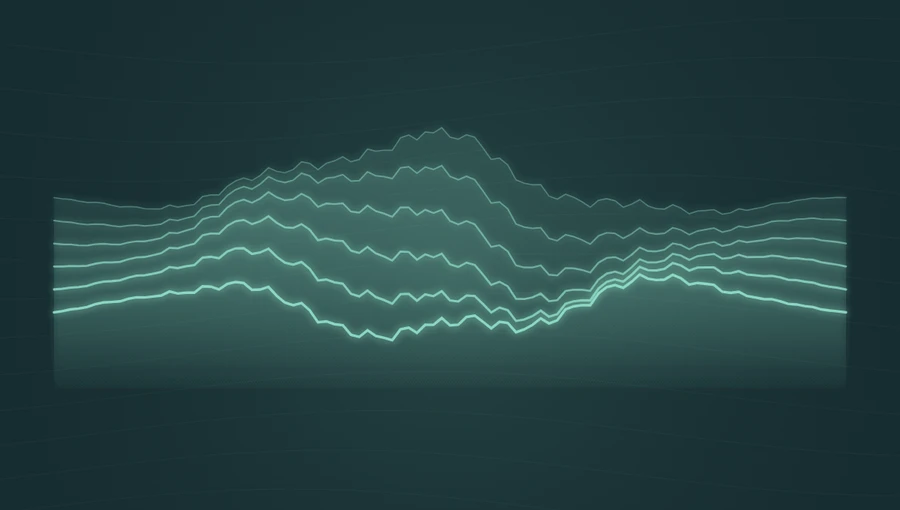
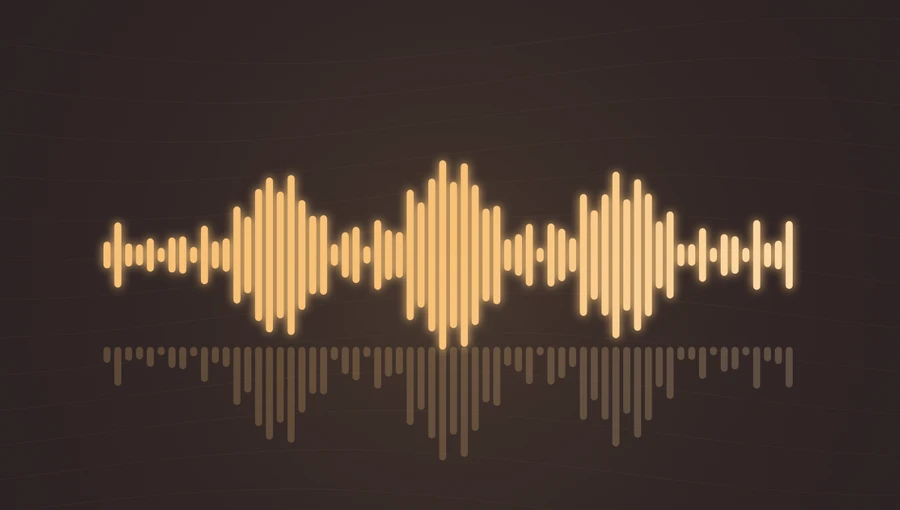
Frequency → ridge height
Stronger frequency energy lifts the contour lines. Their horizontal position follows the analyzed frequency regions.
Display frequency levels as layers of moving terrain. Peaks in the audio raise the ridges in the animation.
Play the demo, then change the settings. Your choices carry into the studio.
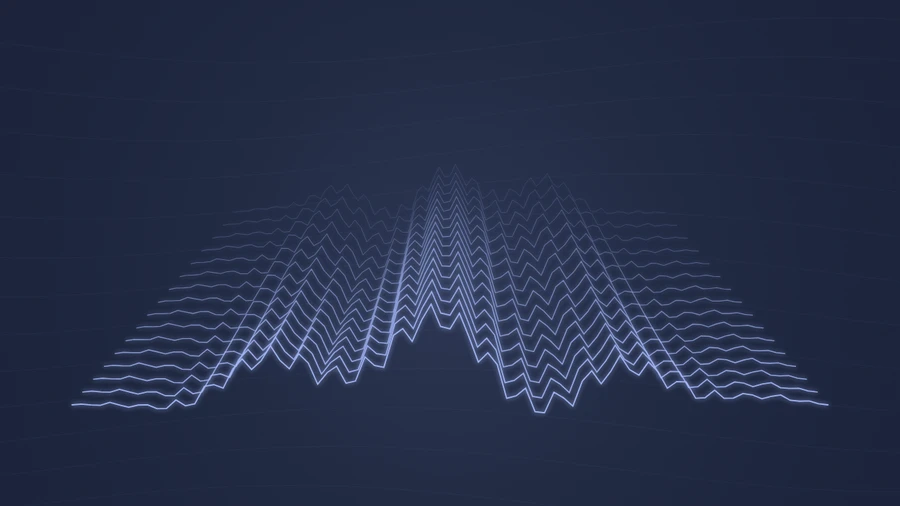
Use this templateSpectral Landscape draws sixteen contours in perspective. Each contour uses the current frequency spectrum, with spacing and width creating the impression of depth. Small time-based ripples move through the lines, turning a familiar spectrum into a scene that feels more like terrain.
Stronger frequency energy lifts the contour lines. Their horizontal position follows the analyzed frequency regions.
Lines grow wider and brighter toward the front. They are stylized views of the current spectrum, not a history of earlier audio frames.
Layered terrain gives sustained arrangements a broad, atmospheric visual.
Slow spectral changes create gradual movement across the landscape.
A wide frame makes the contour spacing and depth easier to appreciate.
Choose “Use this template” above to open the studio with your preview settings. Add your own audio in the Audio panel, then choose the start and end of your clip.
Use landscape orientation to reveal the full width of the ridges. A cool accent and a dark background bring out the layered depth. Add artwork and a background in Design, then enter a title in Text.
Check the color contrast and movement during a strong passage. Export a 720p or 1080p video with your audio, or save a still PNG. Available video formats depend on your browser.
Preview your strongest passage and reduce sensitivity if the ridges gather into one dense shape.
The multiple contours already provide detail. A plain background makes the foreground and distant lines easier to separate.
Preview, customization, and export details.
No. The contours use the current spectrum to create a stylized landscape. They do not represent previous moments in the recording.
Yes. All three aspect ratios are supported. Landscape shows the broad ridges most clearly; use the preview ratio controls to compare before opening the studio.
Yes. This template, the editing controls, and supported exports are free, with no watermark. You need the rights to any audio or artwork you add to your project.
Open a template to play its demo and change its settings.