Playback → perspective travel
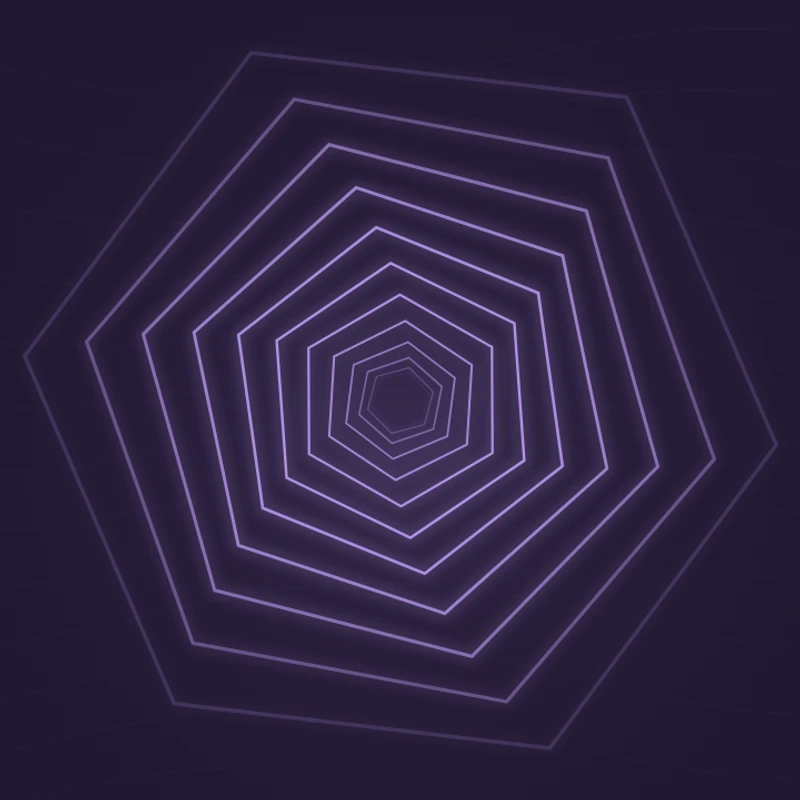
The hexagons move through a repeating depth pattern and turn slowly as the audio timeline advances.
Animate a geometric tunnel with a bass-reactive pulse. Choose the tunnel color and adjust its response to your track.
Play the demo, then change the settings. Your choices carry into the studio.
Use this templateNeon Tunnel stacks twelve hexagonal outlines into a receding tunnel. The outlines travel and slowly turn as playback advances, while bass energy expands the whole structure. Its center-focused composition creates depth without requiring background footage or 3D assets.
The hexagons move through a repeating depth pattern and turn slowly as the audio timeline advances.
Low-frequency energy changes the size of the tunnel. The motion responds to energy rather than a detected tempo.
The geometric depth complements synths, sequencers, and strong low end.
Bass changes create a clear expansion at a track’s most energetic moments.
The centered tunnel fits square and portrait compositions as well as landscape.
Choose “Use this template” above to open the studio with your preview settings. Add your own audio in the Audio panel, then choose the start and end of your clip.
Use a square frame and a bright accent on a dark background. This keeps attention on the center of the tunnel. Add artwork and a background in Design, then enter a title in Text.
Check the color contrast and movement during a strong passage. Export a 720p or 1080p video with your audio, or save a still PNG. Available video formats depend on your browser.
Try a passage that moves between quieter and louder low-frequency sections. Constant bass creates a more uniform expansion.
Use the studio title area beneath the tunnel for the track name. A short subtitle preserves the geometric focus.
Preview, customization, and export details.
No. The hexagonal tunnel is generated directly in the browser. You can optionally add your own background image in the studio.
The template’s travel is linked to playback time. Pause the preview to freeze it, or export a still PNG for a non-animated image.
Yes. This template, the editing controls, and supported exports are free, with no watermark. You need the rights to any audio or artwork you add to your project.
Open a template to play its demo and change its settings.