Bass → ring size
Low-frequency energy changes the radius of the rings. A strong kick or sustained bass note makes the whole form expand.
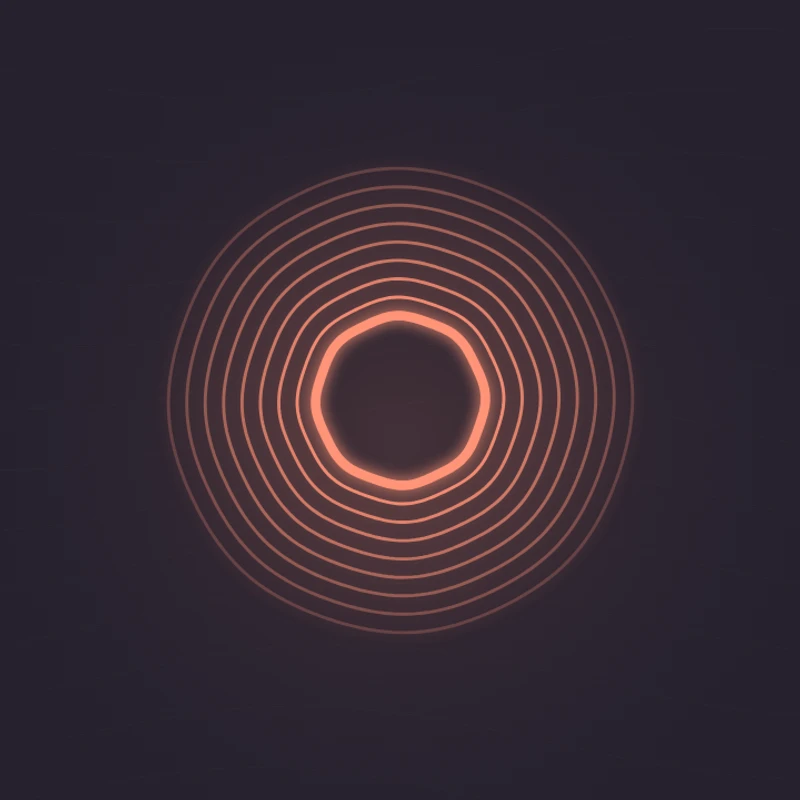
Display bass energy as concentric rings that expand and contract. Adjust sensitivity to control the strength of the movement.
Play the demo, then change the settings. Your choices carry into the studio.
Use this templateBass Pulse is built around nine rings that expand with low-frequency energy. Small ripples add texture when the midrange becomes stronger. The centered design puts less emphasis on individual frequency bars and more on the overall pulse of a track.
Low-frequency energy changes the radius of the rings. A strong kick or sustained bass note makes the whole form expand.
Midrange energy adds small waves along the ring edges, giving quieter passages a little texture.
Make a kick-and-bass pattern the visual focus of your clip.
Sustained low notes produce a slow, breathing shape.
The centered form leaves a clear area below for a track title.
Choose “Use this template” above to open the studio with your preview settings. Add your own audio in the Audio panel, then choose the start and end of your clip.
A square frame emphasizes the rings. Moderate sensitivity keeps sustained bass from holding the shape at its largest size. Add artwork and a background in Design, then enter a title in Text.
Check the color contrast and movement during a strong passage. Export a 720p or 1080p video with your audio, or save a still PNG. Available video formats depend on your browser.
Try a section with changing bass energy. A nearly constant low drone produces a steadier shape than a rhythmic kick pattern.
Glow brings out the light-ring effect. For a cleaner line illustration, turn it off and choose a softer accent color.
Preview, customization, and export details.
No. It reacts to low-frequency energy as the audio plays. It does not calculate beats per minute or schedule motion to a beat grid.
A voice recording may contain little bass energy. Waveform or Oscilloscope usually makes changes in speech more visible.
Yes. This template, the editing controls, and supported exports are free, with no watermark. You need the rights to any audio or artwork you add to your project.
Open a template to play its demo and change its settings.